
This guide breaks down the key differences between Cat5 and Cat6 Ethernet cables so you can choose the right option for fast, reliable networking at home or in your business.
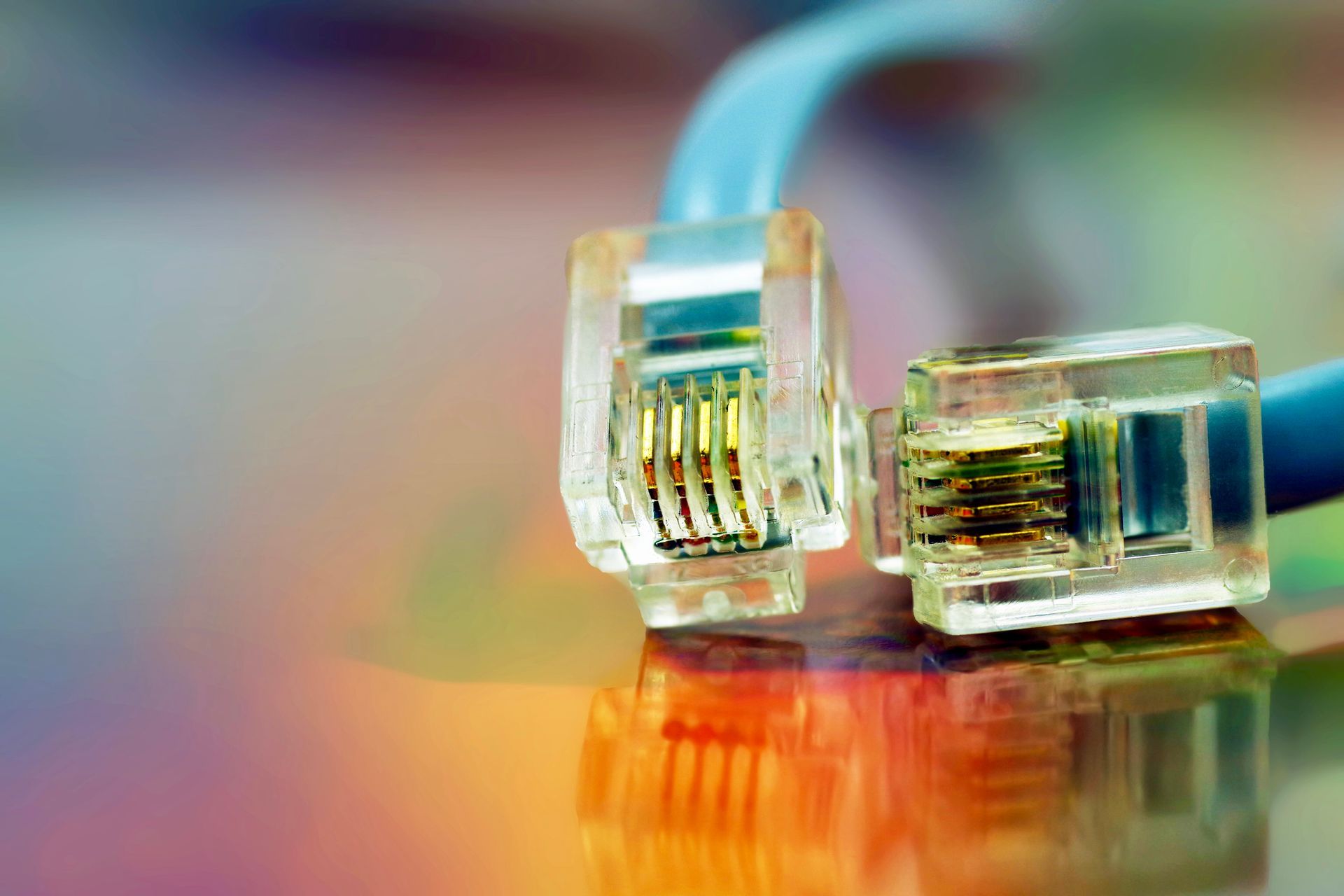
Cat5 and Cat6 Ethernet cables mainly differ in speed, bandwidth, and resistance to interference, with Cat6 providing faster, cleaner data transmission than Cat5.
A Cat5 cable supports lower data speeds and narrower bandwidth, which makes it best for basic home networking. Cat6 handles higher speeds, thicker shielding, and better performance over longer distances. The choice depends on your needs, especially if you rely on systems like access control, alarm monitoring, video surveillance, or advanced network cabling.
Cat5 vs. Cat6: The Key Differences
Speed and Bandwidth
- Cat5 typically supports up to 100 Mbps with a bandwidth of 100 MHz.
- Cat5e offers improved performance up to 1 Gbps with reduced crosstalk.
- Cat6 supports speeds up to 10 Gbps over shorter distances with a bandwidth of 250 MHz.
Crosstalk and Interference
- Cat6 cables include tighter twists and better internal insulation, which reduces crosstalk.
- Cleaner signal transmission helps ensure stronger performance for systems like CCTV, access controls, and alarm monitoring.
Distance Performance
- Cat5 and Cat5e maintain good performance up to 100 meters.
- Cat6 performs best at higher speeds up to 55 meters, then steps down.
- For fiber optic cabling, distances extend much farther with greater speed.
Which Cable Type Should You Choose?
Choose Cat5 or Cat5e if you need:
- Basic residential internet
- Light commercial networking
- Simple device connections or low bandwidth applications
Choose Cat6 if you need:
- Faster speeds for streaming or multi-device networks
- More secure and reliable connections for systems like:
- Security alarm systems
- Access control and keyless entry
- CCTV and video surveillance
- Fire and security alarm monitoring
- Future proofing for expanding businesses
How Cable Choice Impacts Security and Low-Voltage Systems
If your property uses integrated security and fire systems, network cabling quality matters. Systems such as alarm panels, IP cameras, and access control readers depend on stable data transmission.
Cat6 is especially beneficial for:
- High resolution CCTV streams
- Modern access control platforms
- Fire and security alarm monitoring over IP
- Large commercial environments with heavy data traffic
Local Insight for Northern California Property Owners
Across Sacramento County, Placer County, El Dorado County, and the greater Northern California region, many homes and businesses are upgrading older Cat5 installations to Cat6 or fiber to stay ahead of growing data needs. Whether you manage a commercial site, a retail space, or a residential property, choosing the right cable ensures your security, fire systems, and network backbone stay reliable for years.
Conclusion
Cat5 and Cat6 differ in speed, shielding, and data capacity. If you want basic connectivity, Cat5e works well. If you rely on high bandwidth systems or want future proofing, Cat6 is the better choice. Your cabling directly affects the performance of access controls, alarm systems, video surveillance, and fire and security monitoring.
Ready to upgrade your cabling or security systems? Contact First Solutions Inc . at (916) 649-0479 for expert design, installation, and service across Northern California.
Go deeper. Read: Why Should I Hire a Professional to Install My Computer Network Cabling? Here's What Property Owners Need to Know
Here are some questions we're frequently asked about Cat5 and Cat6 cabling:
Q: Is Cat6 always better than Cat5e?
A: Cat6 provides better performance, but Cat5e is often enough for basic networks or smaller homes.
Q: Does Cat6 work with older devices?
A: Yes. Cat6 is backward compatible with Cat5 and Cat5e devices.
Q: Do I need Cat6 for security cameras?
A: For HD or IP based CCTV systems, Cat6 offers cleaner video and more stable connections.
Q: Is fiber better than Cat6?
A: Fiber is faster and supports longer distances, but Cat6 is more affordable and still excellent for most properties.
Q: Can Cat6 improve internet speed?
A: It cannot increase your internet plan speed, but it can improve internal network performance and stability.