
Maximizing Security Systems: Insights and Tips 

By Diana Fillenworth July 23, 2026
Learn how security alarms may lower home insurance costs and how First Solutions Inc. provides security solutions across Northern California.

By Diana Fillenworth July 8, 2026
Learn how quickly professional alarm monitoring centers respond, what affects response times, and why 24/7 monitored security protects homes and businesses across Northern California.

By Diana Fillenworth June 23, 2026
Learn how network upgrades improve speed, reliability, security, and device capacity for homes and businesses throughout Northern California.
By Diana Fillenworth June 8, 2026
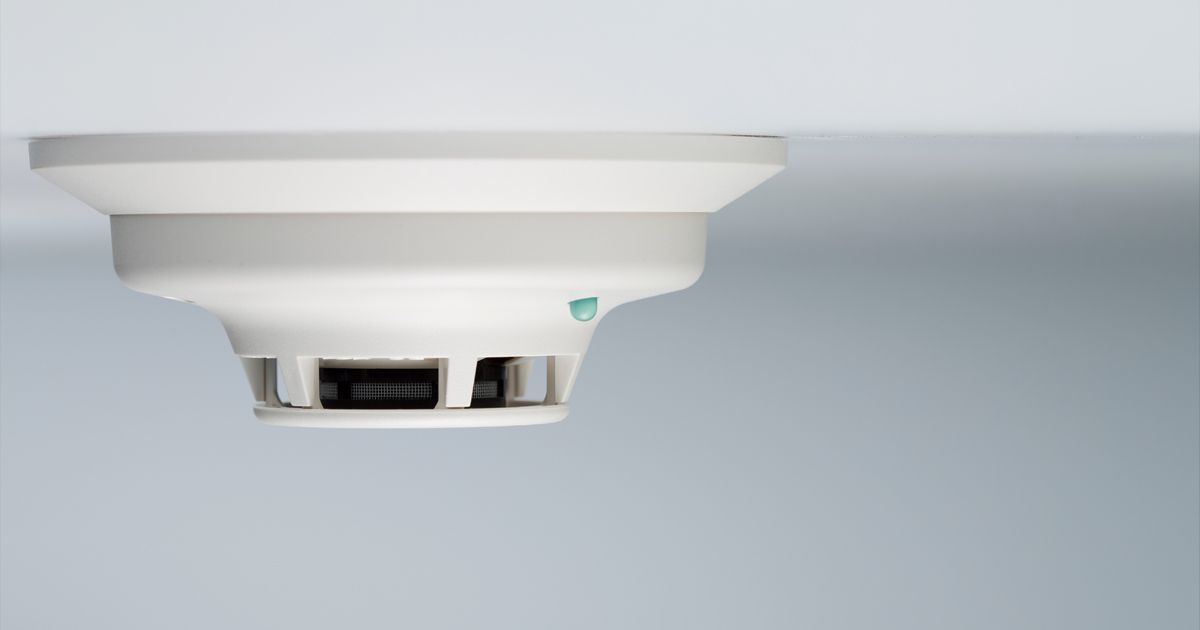
Learn where smoke alarms should be installed in homes, including kitchens, garages, and hallways. Expert fire safety tips for better protection.
By Diana Fillenworth June 3, 2026
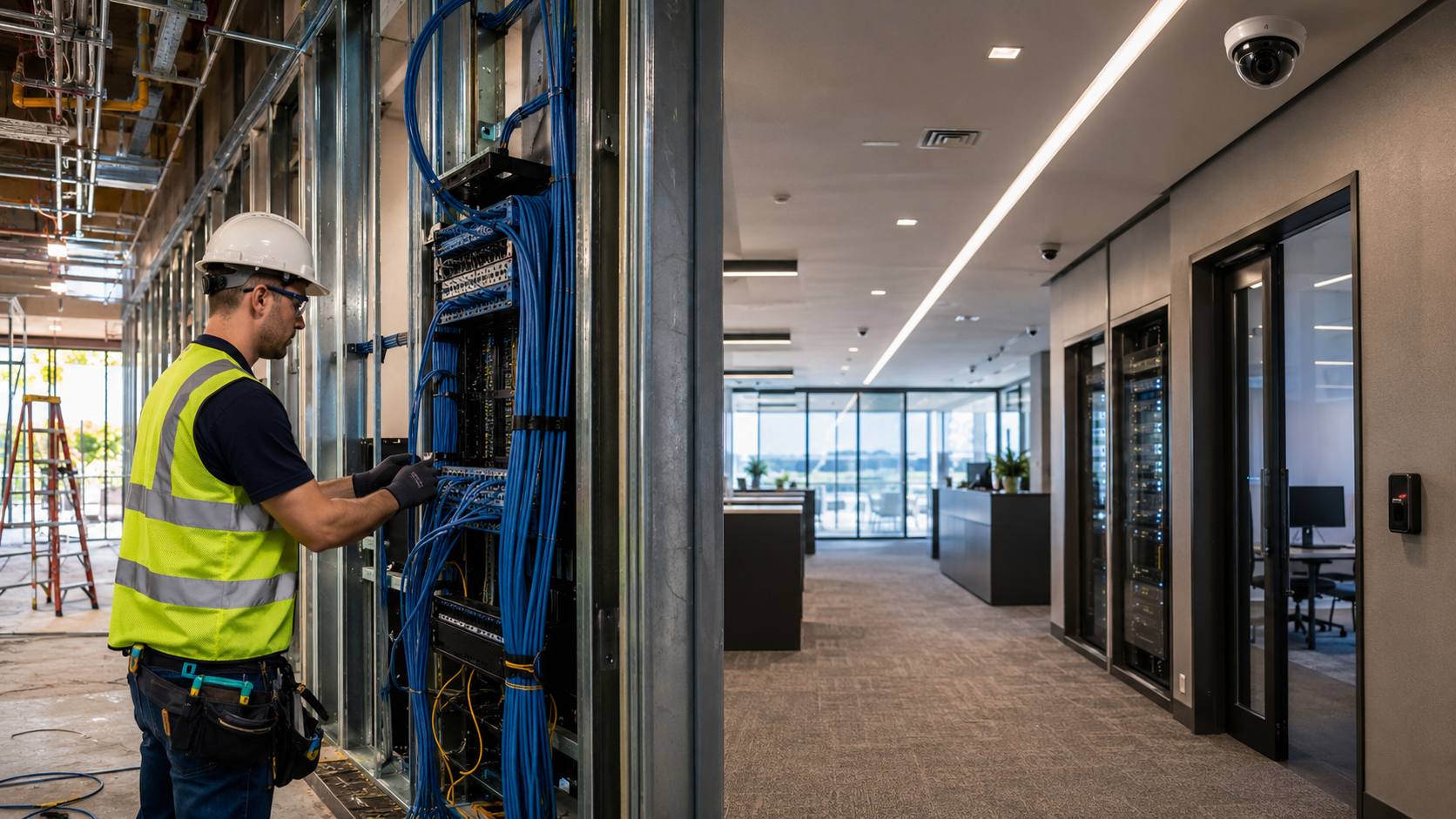
Discover network cabling solutions for new construction and existing buildings throughout Northern California. Fiber, Cat5e, Cat6, security, and surveillance services.
By Diana Fillenworth May 21, 2026
Learn how fiber optic cabling improves internet speed, network reliability, CCTV performance, and business connectivity across Northern California.
By Diana Fillenworth May 8, 2026
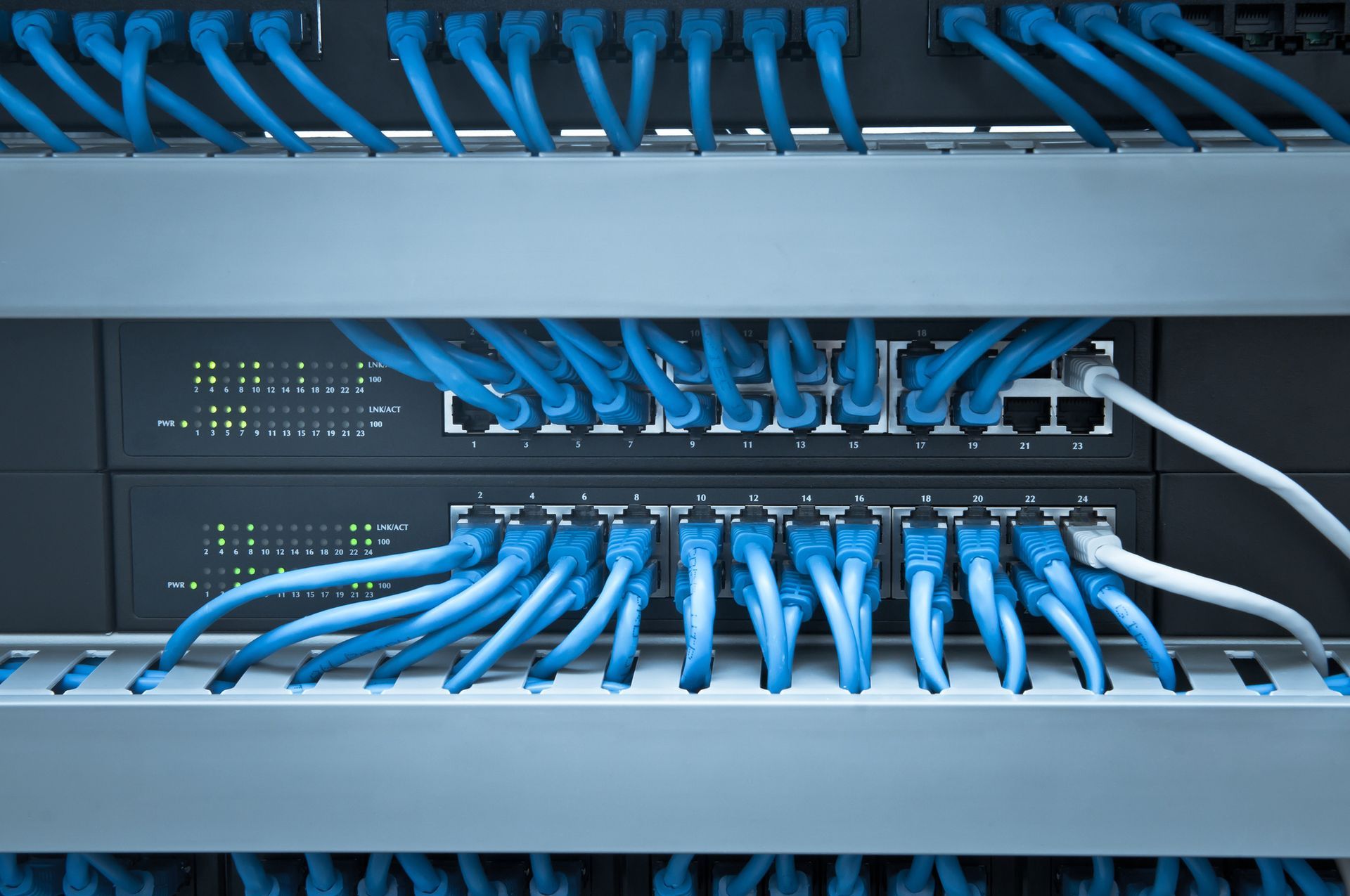
Learn why professional computer network cabling installation improves speed, reliability, security, and long-term connectivity for homes and businesses.
By Diana Fillenworth April 22, 2026
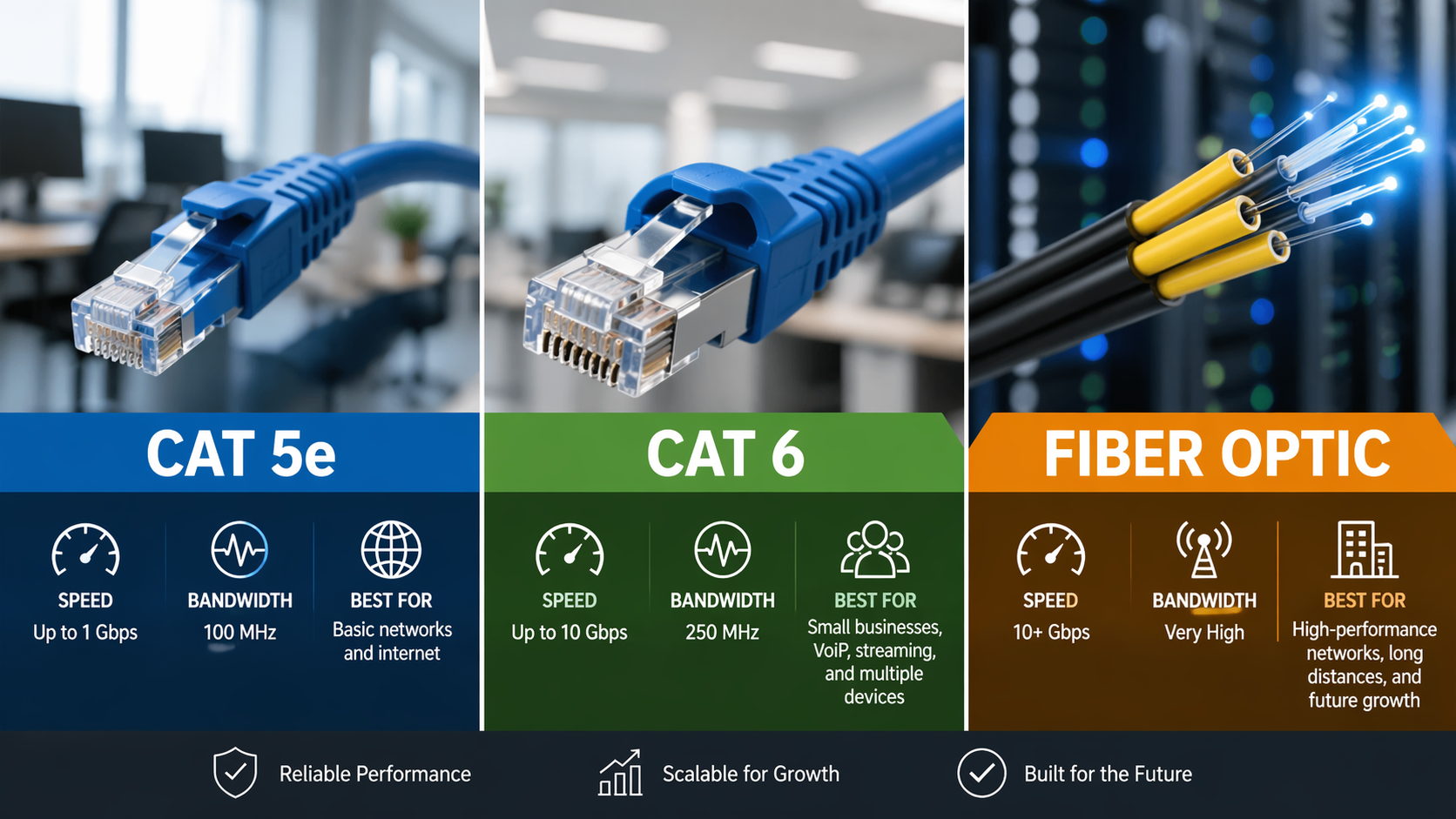
Learn whether Cat 5e, Cat 6, or fiber optic cabling is best for your small business network, speed, and future growth.
By Diana Fillenworth April 7, 2026
The number of security cameras your property needs depends on factors like square footage, entry points, blind spots, and security goals; most homes need 4 to 8 cameras, while small to mid-sized businesses often require 8 to 16 or more for full coverage and effective monitoring. There is no one-size-fits-all number. A small home may only need a few well-placed cameras, while a larger property or commercial building will need broader coverage. The goal is not just quantity, but strategic placement that eliminates blind spots and protects key areas. Key Factors That Determine How Many Cameras You Need 1. Property Size and Layout Larger properties naturally require more cameras. A single-story home with a simple layout needs fewer cameras than a multi-level property or large commercial facility. General guideline: Small homes: 4 to 6 cameras Medium homes: 6 to 10 cameras Large homes or estates: 10 or more cameras Commercial properties: 8 to 20+ depending on size 2. Entry Points and Access Areas Every door and accessible window is a potential entry point. Focus on: Front and back doors Garage entrances Ground-level windows Side gates or alley access Covering these areas is often the most effective baseline for security. 3. High-Risk and High-Value Areas Some areas deserve extra attention due to risk or value. Examples include: Driveways and parking areas Cash handling locations Server rooms or IT spaces Inventory storage areas 4. Blind Spots and Visibility Gaps Even with multiple cameras, poor placement can leave vulnerabilities. Professional planning ensures: Overlapping coverage No hidden angles Clear visibility at night and in low light 5. Indoor vs Outdoor Coverage A balanced system includes both. Outdoor cameras deter crime and capture activity before entry. Indoor cameras monitor movement and provide evidence if a breach occurs. Recommended Camera Setups by Property Type Residential Properties Most homeowners benefit from: 1 front door camera 1 backyard camera 1 driveway camera 1 to 2 indoor cameras This setup provides strong baseline protection without overcomplicating the system. Commercial Properties Businesses often require more detailed coverage, including: Entry and exit points Reception or customer areas Hallways and corridors Storage and restricted areas Parking lots Larger facilities may also need advanced monitoring and integration with access control systems. Why Custom Design Matters Every property is unique. A generic camera count can lead to: Overpaying for unnecessary equipment Missing critical coverage areas Inefficient system performance Custom solutions ensure your system matches your exact needs, whether you need residential security systems, commercial security solutions, or video surveillance systems like CCTV. Local Security Considerations in Northern California Properties across Sacramento, Elk Grove, Roseville, Rocklin, Arden-Arcade, Citrus Heights, Folsom, Rancho Cordova, Vineyard, Carmichael, Antelope, North Highlands, Florin, Fair Oaks, Rio Linda, Elverta, and El Dorado Hills face varying security challenges. Urban areas may require more coverage due to higher traffic, while suburban and rural properties often need wider perimeter monitoring. Serving Sacramento County, Placer County, El Dorado County, and all of Northern California, tailored security planning ensures your system fits both your environment and your risk level. Complete Security Goes Beyond Cameras A strong system often includes more than just surveillance: Access control systems and keyless entry Fire alarm and security alarm systems Alarm monitoring services Network and fiber optic cabling infrastructure Combining these elements creates a layered, more effective security strategy. Get a Custom Security Assessment If you want a precise answer for your property, the best step is a professional evaluation. Contact First Solutions Inc. at (916) 649-0479 today to design a custom security system that fits your property, your risks, and your budget. Here Are Some Other Frequently Asked Questions: Q: How do I know if I have enough cameras? A: If there are no blind spots and all entry points are covered, your system is likely sufficient. A professional assessment can confirm this. Q: Is it better to have more cameras or better placement? A: Better placement always matters more. Fewer well-positioned cameras outperform poorly placed systems. Q: Do security cameras reduce crime? A: Yes. Visible cameras act as a strong deterrent and significantly reduce the likelihood of criminal activity. Q: Can I install cameras myself? A: DIY systems are possible, but professional installation ensures optimal placement, wiring, and long-term reliability. Q: How often should security systems be updated? A: Most systems should be reviewed every 2 to 5 years to keep up with technology and changing security needs.
Show More

Discover expert tips on security systems, network cabling, and industry updates from First Solutions Inc. in Sacramento, CA. Call us at 916-649-0479.

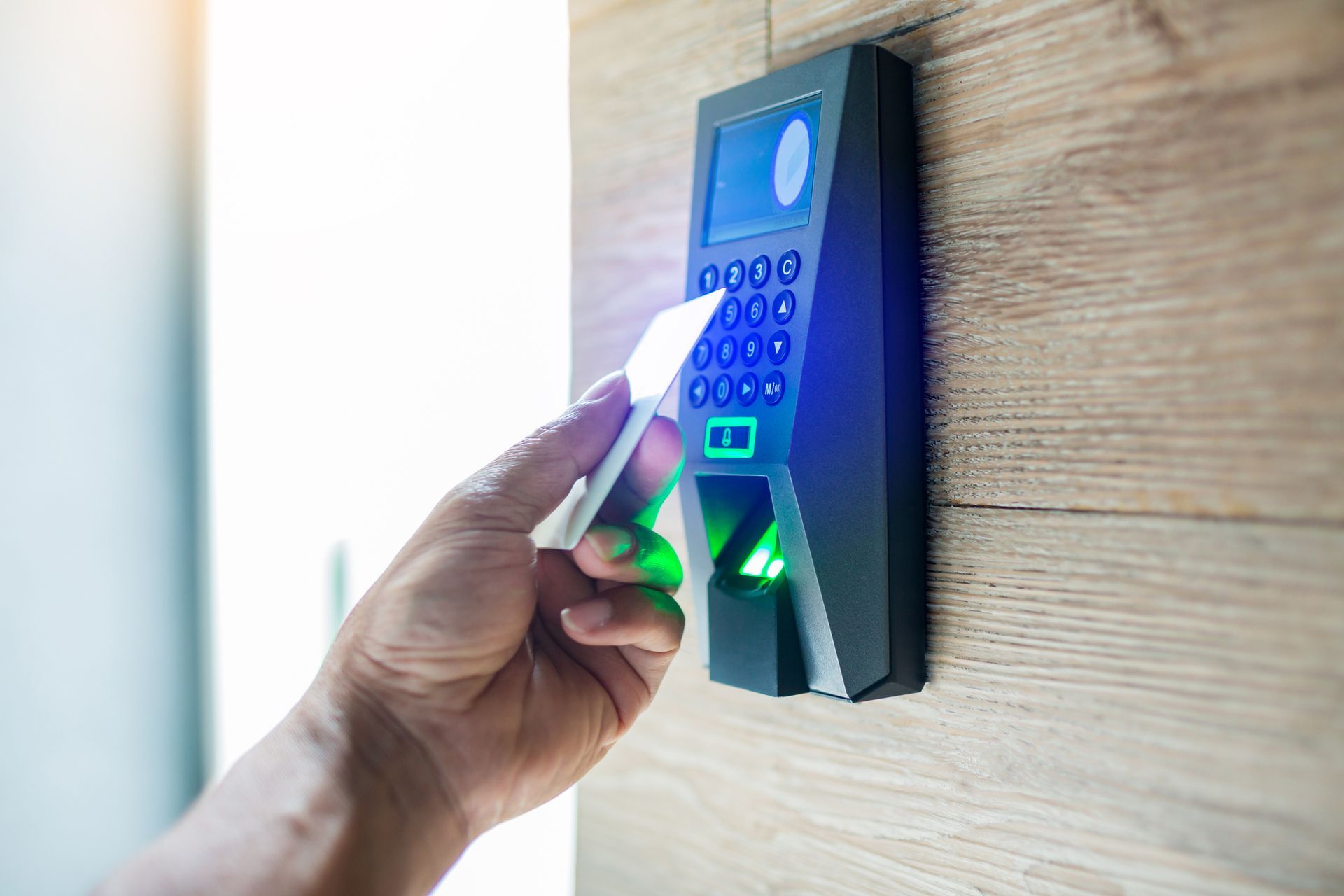
A person is inserting a card into a fingerprint reader – Sacramento, CA – First Solutions Incorporated