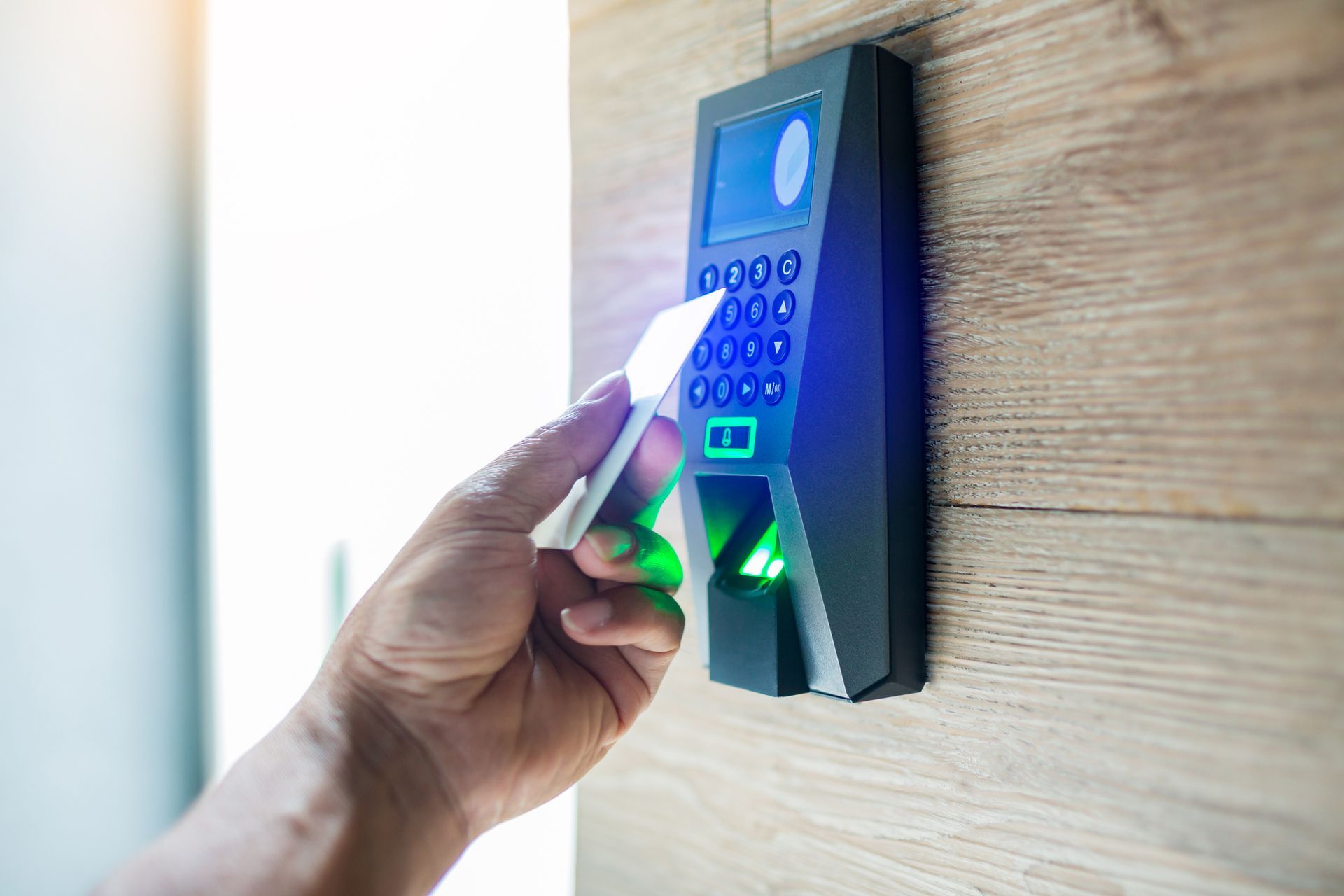
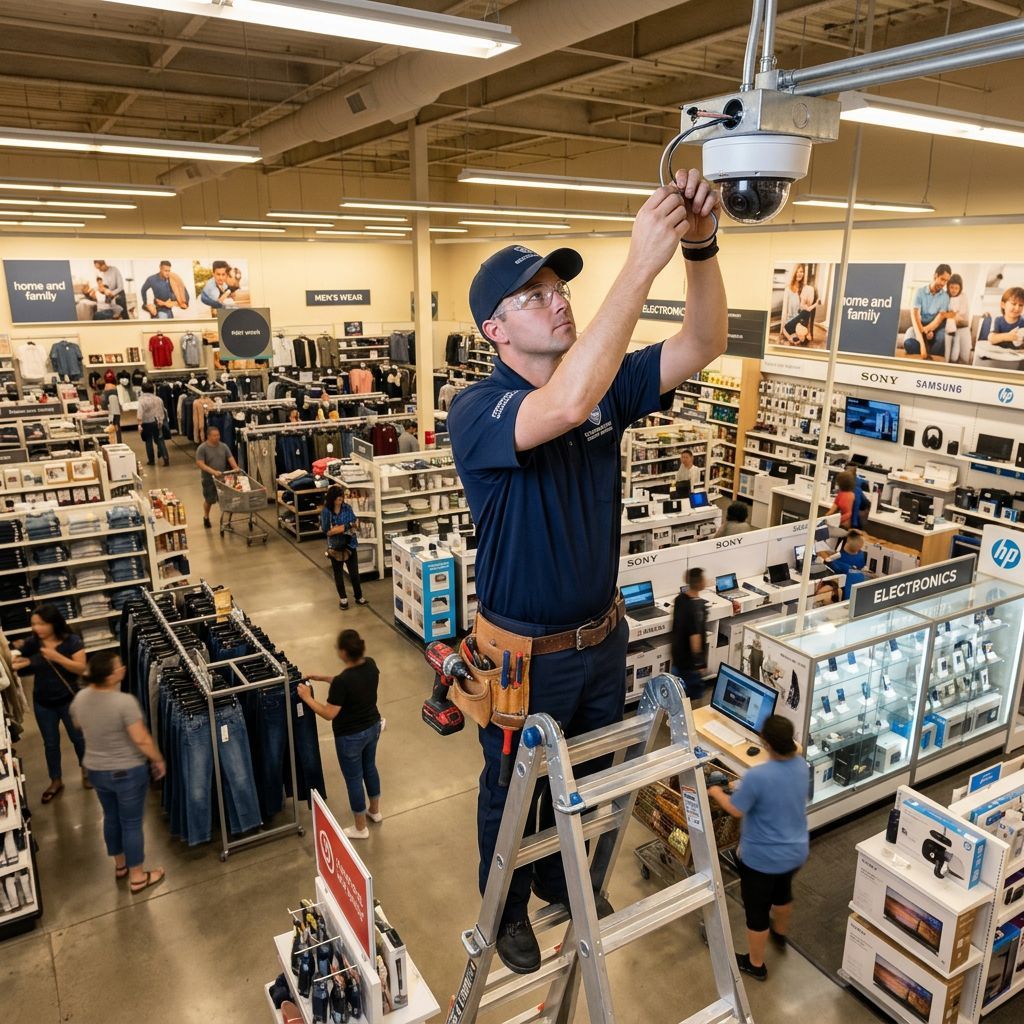
CCTV systems use analog cameras connected by coaxial cables to a central recorder, while IP camera systems use digital cameras that transmit video over a network, offering higher resolution, remote access, and greater scalability for modern security needs. Both systems provide reliable surveillance and crime deterrence. The best choice depends on your property size, budget, image quality expectations, and whether you plan to expand your system in the future. Below is a clear, practical breakdown to help you decide. How CCTV Systems Work CCTV stands for closed circuit television. These systems use analog cameras connected directly to a digital video recorder, or DVR, using coaxial cables. Key Characteristics of CCTV Systems Analog cameras Coaxial cable connections Centralized DVR recording Typically lower upfront cost Reliable for small to mid sized properties CCTV systems are often used in homes, small retail stores, and offices where straightforward monitoring is the priority. When CCTV Makes Sense CCTV may be a good option if: You want a cost effective security solution Your property is smaller or has simple coverage needs You are upgrading an older analog system Ultra high resolution video is not essential How IP Camera Systems Work IP stands for Internet Protocol. These cameras send digital video across a network using Ethernet cables or wireless connections. Footage is stored on a network video recorder, or NVR, or through secure cloud storage. Key Characteristics of IP Camera Systems High definition and ultra high definition video Remote access via smartphone or computer Power over Ethernet capability Easier expansion and scalability Advanced features such as motion analytics and smart alerts IP systems are commonly installed in larger homes, commercial facilities, warehouses, medical offices, and multi building properties. When IP Cameras Make Sense IP cameras are often the better choice if: You want high resolution video for clear identification You need remote access from multiple devices You plan to expand your system later You want integration with access control or alarm systems CCTV vs. IP Cameras: Side by Side Comparison If you are deciding between CCTV and IP camera systems, here is a clear breakdown of how they compare across the most important features: Video Quality CCTV: Standard definition to high definition, depending on the camera model. IP Cameras: High definition to 4K and higher, offering sharper images and better detail. Cabling and Infrastructure CCTV: Uses coaxial cable to connect each camera directly to a DVR. IP Cameras: Uses Ethernet cabling or wireless connections. Many systems support Power over Ethernet, allowing power and data through one cable. Remote Access CCTV: Remote access is possible but often more limited. IP Cameras: Designed for easy remote viewing through smartphones, tablets, and computers. Scalability CCTV: Expansion may require additional wiring and hardware changes. IP Cameras: Highly scalable and easier to expand within an existing network. Smart Features CCTV: Basic recording and motion detection. IP Cameras: Advanced analytics such as motion alerts, video analytics, and system integration. Cost Considerations CCTV: Generally lower upfront cost. IP Cameras: Higher initial investment, but often greater long term flexibility. For many modern installations across Sacramento County, Placer County, and El Dorado County, IP systems provide greater flexibility. However, CCTV remains a practical and reliable option for certain properties. Integrated Security Solutions for Northern California Properties Video surveillance works best when combined with other protective systems. Property owners across Sacramento, Elk Grove, Roseville, Rocklin, Arden Arcade, Citrus Heights, Folsom, Rancho Cordova, Vineyard, Carmichael, Antelope, North Highlands, Florin, Fair Oaks, Rio Linda, Elverta, and El Dorado Hills often benefit from a fully integrated approach. Comprehensive protection may include: Designing custom security solutions tailored to individual needs Residential security systems Commercial security solutions for properties of all sizes Installing and servicing access control systems and keyless entry solutions Designing, installing, and servicing fire alarm systems and security alarm systems Reliable fire and security alarm monitoring services Designing and installing video surveillance systems, including CCTV solutions Designing and installing computer and network cabling systems, including fiber optic cabling, Category 5e cabling, and Category 6 cabling Providing TV installation services and home entertainment system installation A properly designed infrastructure ensures your cameras, alarms, and access control systems work seamlessly together. Why Professional Design and Installation Matter Choosing the right equipment is only part of the process. Professional installation ensures: Correct camera placement and coverage Secure and organized cabling Optimized network performance Code compliant fire and alarm integration Long term reliability and support Poor placement or improper configuration can lead to blind spots and weak performance when you need security most. Serving Sacramento and Northern California Properties across Sacramento County, Placer County, El Dorado County, and throughout Northern California have unique security needs. Urban businesses in Sacramento may require high resolution remote monitoring. Residential communities in Roseville, Rocklin, and El Dorado Hills may prioritize perimeter coverage and smart alerts. A locally designed system ensures your property is protected based on its layout, risk level, and future growth plans. Ready to Choose the Right Surveillance System? Whether you need a cost effective CCTV solution or a scalable IP camera system with advanced features, the right design makes all the difference. Contact First Solutions Inc. at (916) 649-0479 today to schedule a consultation and design a custom security solution that protects your home or business. Frequently Asked Questions Which is better for a small business, CCTV or IP cameras? For small businesses with simple layouts, CCTV can be cost effective and reliable. If you need high resolution video or remote access, IP cameras are often the better choice. Do IP cameras require internet access? They require a network connection. Internet access is needed for remote viewing outside your property, but local recording can function without constant internet connectivity. Can I upgrade from CCTV to IP later? Yes. Many properties transition to IP systems over time. A professional evaluation can determine what infrastructure can be reused. Are IP camera systems more secure? When properly configured, IP systems offer strong security with encrypted data transmission and user authentication controls. Can surveillance systems integrate with fire alarms and access control? Yes. Modern systems can integrate with access control systems, keyless entry solutions, fire alarm systems, security alarm systems, and monitoring services for comprehensive protection.

The industries that benefit most from access control systems include healthcare, education, commercial real estate, and manufacturing. These sectors utilize electronic credentials to secure sensitive data, protect vulnerable populations, and manage high-traffic environments. By replacing traditional keys with digital permissions, these organizations reduce theft, ensure regulatory compliance, and provide a safer environment for employees and visitors. That’s the short answer. While any property can benefit from better locks, certain industries face unique regulatory and safety challenges that make these systems essential. Why Access Control Matters Across Key Sectors For many businesses, security is about more than just locking a door. It is about managing flow and maintaining accountability. Modern systems allow administrators to see exactly who entered a room and when, which is a critical feature for high-stakes environments. Healthcare Facilities: Hospitals and clinics must protect patient privacy and secure restricted areas like pharmacies or laboratories. Access control ensures only authorized staff can reach sensitive medical supplies. Educational Institutions: From K-12 schools to university campuses, managing student and visitor access is a top priority. These systems allow for instant lockdowns and restricted entry to dorms and offices. Commercial Real Estate: Property managers use keyless entry to manage multiple tenants, common areas, and gym facilities without the hassle of physical key management. Industrial and Manufacturing: Protecting expensive inventory and preventing unauthorized entry into hazardous zones helps maintain safety standards and prevents loss. Practical Implementation in Your Facility Here’s what that means in practice. If you are considering an upgrade, the process typically follows these steps: Site Assessment: Identifying high-traffic areas and sensitive zones that require restricted access. System Design: Selecting between mobile credentials, key fobs, or biometric scanners based on the level of security needed. Installation: Wiring door controllers and connecting them to a centralized software platform or cloud-based server. Credential Issuing: Granting specific digital keys to employees based on their roles and schedules. Important Considerations and Limitations This matters because no security system is entirely foolproof. While access control is highly effective, it does not replace the need for physical security measures like high-quality doors and frames. Furthermore, systems that rely entirely on local networks may face downtime during power outages unless they have dedicated battery backups or cloud-redundancy. Next steps If you’re trying to understand the best way to secure your specific location, First Solutions Inc . at (916) 649-0479 is available to assist. We specialize in designing custom security solutions tailored to individual needs, whether you require residential security systems or complex commercial security solutions. Our team provides expert installation and servicing for access control, fire alarms, and video surveillance throughout Northern California. Service Areas in Northern California: First Solutions Inc. proudly serves Sacramento, Elk Grove, Roseville, Rocklin, Arden-Arcade, Citrus Heights, Folsom, Rancho Cordova, Vineyard, Carmichael, Antelope, North Highlands, Florin, Fair Oaks, Rio Linda, Elverta, and El Dorado Hills. Our reach extends throughout Sacramento County, Placer County, and El Dorado County. Services Provided: Custom Security Solution Design Commercial & Residential Security Systems Access Control & Keyless Entry Installation Fire & Security Alarm Monitoring CCTV & Video Surveillance Systems Network & Fiber Optic Cabling (Cat 5e/6) TV & Home Entertainment Installation Here Are Some Other Frequently Asked Questions That You May Have: Q: Can access control systems be integrated with existing security cameras? A: Yes. Most modern systems are designed to work together, allowing you to view video footage specifically tied to an entry event, such as when a specific keycard is used. Q: What happens if the power goes out? A: Most professional installations include a battery backup. Additionally, systems can be configured to "fail-secure" (staying locked) or "fail-safe" (unlocking for safety), depending on fire codes and building requirements. Q: Are mobile credentials safer than physical key fobs? A: Mobile credentials are often considered more secure because users are less likely to lose their phones, and most phones require biometric or passcode authentication to open the app. Q: How many people can an access control system handle? A: Scalability depends on the software used. Many systems can handle everything from a single door with five users to thousands of doors across multiple global locations. Reference Context This information is based on industry best practices for physical security as documented by leading organizations such as Security Industry Association (SIA) and Google Search Central regarding modern building automation.

Yes, access control systems can and should be integrated with security cameras and alarm systems. This integration creates a unified security platform where hardware communicates in real-time. For example, when an unauthorized badge is swiped, the system can automatically trigger a nearby camera to record and alert the central alarm monitoring station immediately. That is the short answer. In practice, moving away from "siloed" systems—where cameras and door locks operate independently—allows for a much more proactive security posture. Modern technology enables these different components to "talk" to one another through a centralized software interface. How Integrated Access Control Functions When you integrate access control with video surveillance and alarms, you transition from simple "locked doors" to an intelligent environment. This matters because it provides a visual audit trail for every entry event. The key thing to understand is how the components interact: Visual Verification: When a door is opened, the integrated system "tags" the video feed at that exact timestamp, making it easy to find footage later. Immediate Alerts: If a door is forced open, the alarm system triggers while the cameras automatically zoom in on the point of entry. Remote Management: Most unified systems allow you to lock doors or view live feeds from a single mobile app or web portal. Benefits for Residential and Commercial Properties For many businesses and homeowners, the primary advantage is the reduction of "false positives." If an alarm goes off, you can immediately check the camera feed to see if it was a false trigger or a genuine security breach. Common integrated solutions include: Keyless Entry: Using mobile credentials or fobs instead of physical keys. CCTV Monitoring: High-definition video surveillance that records 24/7 or based on motion. Network Cabling Infrastructure: Using Category 5e, Category 6, or Fiber Optics to ensure high-speed communication between devices. Fire and Security Monitoring: Ensuring that in the event of a fire, access control doors automatically fail-safe (unlock) for a quick exit. Implementation Steps If you are considering upgrading your security, here is a typical workflow for a professional installation: Site Assessment: Evaluating all entry points and high-risk areas. Design Phase: Choosing between Fiber Optics or standard cabling based on the distance between devices. Hardware Selection: Matching high-quality cameras and alarm sensors to your specific property size. Configuration: Setting up the software so that alarms, cameras, and door locks are synchronized. Limitations and Considerations While integration is highly effective, it is important to note that legacy or "analog" equipment may not always be compatible with modern cloud-based software. In some cases, older wiring may need to be replaced with Category 6 or Fiber Optics to support the bandwidth required for high-definition video. Additionally, system performance relies heavily on a stable network and professional monitoring services to be truly effective. If you’re trying to understand how to best protect your property, First Solutions Inc . is here to help. We provide residential and commercial solutions of all sizes across Sacramento County, Placer County, El Dorado County, and throughout Northern California. Whether you need a new design, expert installation, or reliable service for your fire and security alarm systems, our team is ready to assist. Contact First Solutions Inc. today at (916) 649-0479 to discuss a high-quality solution that fits your specific needs. Here Are Some Other Frequently Asked Questions: Q: Can I manage my integrated security system from my phone? A: Yes. Most modern integrated systems offer mobile applications that allow you to view cameras, lock or unlock doors, and arm or disarm your alarm system remotely. Q: What happens to my access control if the power goes out? A: Professional installations include battery backups. Depending on the configuration, doors are set to either "fail-secure" (stay locked) or "fail-safe" (unlock, typically for fire safety) during a power loss. Q: Do I need special wiring for an integrated system? A: Integrated systems usually require high-quality network cabling, such as Category 5e, Category 6, or Fiber Optics, to ensure all components can communicate without lag. Q: Can I add cameras to an existing access control system? A: In many cases, yes. However, it depends on whether your existing system controller supports integration with video management software (VMS). Editorial Note: This article is based on industry-standard practices for physical security and electronic integration as documented by organizations like the Security Industry Association (SIA). For specific local code compliance regarding fire alarms and life safety, always consult with a licensed security professional in your jurisdiction.

Keyless entry systems work by replacing physical keys with digital credentials like PIN codes, mobile apps, or RFID fobs. When a user presents these credentials to a reader, a central controller verifies the data and sends an electrical signal to an electronic or magnetic lock, which then releases the door for authorized entry. That is the short answer. In practice, these systems act as a digital gatekeeper, allowing you to manage who enters your building without the risks associated with lost or duplicated metal keys. The key thing to understand is that the system relies on a constant "handshake" between the reader at the door and a control panel that holds your security rules. The Core Components of Keyless Technology For many businesses and homeowners, moving away from traditional locks involves three main parts working in unison. The Credential: This is the "digital key." It can be a smartphone using Bluetooth or NFC, a plastic RFID card, a key fob, or a unique PIN code entered on a keypad. The Reader: This device is mounted near the door. It scans the credential and instantly passes the information to the brain of the system. The Controller and Lock: The controller checks the credentials against an approved list. If the person is authorized, it triggers the hardware—usually an electric strike or a magnetic lock—to open. How Residential and Commercial Systems Differ If you’re trying to understand which setup is right for you, it helps to look at the scale of the property. Residential Systems For a single-family home, the system is often "all-in-one." A smart lock replaces the deadbolt and connects directly to your home Wi-Fi. This allows you to create temporary codes for guests or delivery drivers directly from your phone. Commercial Systems In a business setting, systems are typically centralized. A single control panel may manage dozens of doors across an office or warehouse. This setup allows administrators to see "audit trails," which are digital logs of every person who entered or exited a specific room at any given time. Limitations and Considerations While highly convenient, keyless systems do have specific constraints. Most electronic locks require a power source; therefore, a power outage could affect the system unless a battery backup is installed. Additionally, hardware like keypads can show physical wear over time, which might reveal frequently used digits to unauthorized users if the codes are not changed periodically. Security Solutions for Northern California Whether you are securing a private residence or a large-scale commercial facility, choosing high-quality products is essential for long-term reliability. Comprehensive security involves more than just a lock; it integrates various technologies to protect your property. We provide a wide range of professional security and networking services to ensure your systems work seamlessly: Access Control and Keyless Entry Commercial and Residential Alarm Systems Video Surveillance and CCTV Fire and Security Alarm Monitoring Network Cabling (Fiber Optics, Cat 5e, and Cat 6) TV and Home Entertainment Installation These services are available across Northern California, including: Sacramento, CA (Sacramento County) Roseville, CA (Placer County) Auburn, CA (Placer County) Placerville, CA (El Dorado County) El Dorado Hills, CA (El Dorado County) Rocklin, CA (Placer County) Folsom, CA (Sacramento County) For a system designed to fit your individual needs, contact First Solutions Inc. at (916) 649-0479 . Here Are Some More Questions We're Frequently Asked About Keyless Entry: Q: Can I still get in if the power goes out? A: Most professional installations include a battery backup or use "fail-safe" locks that unlock during a power failure to ensure safety. Many residential smart locks also include a physical key override. Q: How do I give access to a temporary visitor? A: With mobile or keypad systems, you can generate a temporary PIN or digital key that expires after a set amount of time or a single use. Q: Is keyless entry more secure than a standard lock? A: Yes, primarily because digital credentials cannot be easily duplicated at a hardware store, and you can instantly revoke access for a lost card or an ex-employee without rekeying the entire building. Q: Do I need a special door for keyless entry? A: Most existing doors can be retrofitted with electronic strikes or smart locks, though some high-security commercial doors may require specific hardware. Editorial Note: This information is based on industry best practices for access control and electronic security as documented by organizations such as the Security Industry Association (SIA) and hardware standards from leading manufacturers. Always consult with a licensed technician to ensure your system meets local fire and building codes.

Cat5 and Cat6 Ethernet cables mainly differ in speed, bandwidth, and resistance to interference, with Cat6 providing faster, cleaner data transmission than Cat5. A Cat5 cable supports lower data speeds and narrower bandwidth, which makes it best for basic home networking. Cat6 handles higher speeds, thicker shielding, and better performance over longer distances. The choice depends on your needs, especially if you rely on systems like access control, alarm monitoring, video surveillance, or advanced network cabling. Cat5 vs. Cat6: The Key Differences Speed and Bandwidth Cat5 typically supports up to 100 Mbps with a bandwidth of 100 MHz. Cat5e offers improved performance up to 1 Gbps with reduced crosstalk. Cat6 supports speeds up to 10 Gbps over shorter distances with a bandwidth of 250 MHz. Crosstalk and Interference Cat6 cables include tighter twists and better internal insulation, which reduces crosstalk. Cleaner signal transmission helps ensure stronger performance for systems like CCTV, access controls, and alarm monitoring. Distance Performance Cat5 and Cat5e maintain good performance up to 100 meters. Cat6 performs best at higher speeds up to 55 meters, then steps down. For fiber optic cabling, distances extend much farther with greater speed. Which Cable Type Should You Choose? Choose Cat5 or Cat5e if you need: Basic residential internet Light commercial networking Simple device connections or low bandwidth applications Choose Cat6 if you need: Faster speeds for streaming or multi-device networks More secure and reliable connections for systems like: Security alarm systems Access control and keyless entry CCTV and video surveillance Fire and security alarm monitoring Future proofing for expanding businesses How Cable Choice Impacts Security and Low-Voltage Systems If your property uses integrated security and fire systems, network cabling quality matters. Systems such as alarm panels, IP cameras, and access control readers depend on stable data transmission. Cat6 is especially beneficial for: High resolution CCTV streams Modern access control platforms Fire and security alarm monitoring over IP Large commercial environments with heavy data traffic Local Insight for Northern California Property Owners Across Sacramento County, Placer County, El Dorado County, and the greater Northern California region, many homes and businesses are upgrading older Cat5 installations to Cat6 or fiber to stay ahead of growing data needs. Whether you manage a commercial site, a retail space, or a residential property, choosing the right cable ensures your security, fire systems, and network backbone stay reliable for years. Conclusion Cat5 and Cat6 differ in speed, shielding, and data capacity. If you want basic connectivity, Cat5e works well. If you rely on high bandwidth systems or want future proofing, Cat6 is the better choice. Your cabling directly affects the performance of access controls, alarm systems, video surveillance, and fire and security monitoring. Ready to upgrade your cabling or security systems? Contact First Solutions Inc . at (916) 649-0479 for expert design, installation, and service across Northern California. Here are some questions we're frequently asked about Cat5 and Cat6 cabling: Q: Is Cat6 always better than Cat5e? A: Cat6 provides better performance, but Cat5e is often enough for basic networks or smaller homes. Q: Does Cat6 work with older devices? A: Yes. Cat6 is backward compatible with Cat5 and Cat5e devices. Q: Do I need Cat6 for security cameras? A: For HD or IP based CCTV systems, Cat6 offers cleaner video and more stable connections. Q: Is fiber better than Cat6? A: Fiber is faster and supports longer distances, but Cat6 is more affordable and still excellent for most properties. Q: Can Cat6 improve internet speed? A: It cannot increase your internet plan speed, but it can improve internal network performance and stability.

If you’re wondering how much professional home theater installation costs, here’s the short answer: a basic TV wall mount usually runs $250 to $600, a full home theater installation starts around $1,500, and combining both can cost $2,500 to $6,000 or more, depending on the size, complexity, and features of your setup. Breaking Down Home Theater Costs in Northern California 1. TV Installation Only A standard TV installation includes mounting a flat-screen (up to ~55"), hooking up basic components, and minimal wiring. In Sacramento, Placer, and El Dorado Counties, typical costs are: $250 to $600 for a basic mount Factors that increase cost: larger TVs (65" and up), brick or stone walls, in-wall wiring, extra component hookups, or travel to remote areas 2. Home Theater Installation Only A home theater installation includes a TV or projector, surround sound speakers, wiring (sometimes hidden in walls), room layout adjustments, and calibration. Typical Northern California costs: Standard installations: $1,500 to $5,000 or more Premium systems: $5,000 to $10,000 or more for large rooms, projectors, hidden wiring, or high-end speakers Cost factors: room size, speaker configuration, wiring complexity, smart home integration, or integration with security and network systems 3. TV + Home Theater Installation Together Combining your TV installation with a full home theater can be cost-efficient but more complex: Basic combo: $1,000 to $2,000 (TV mount plus 5.1 speakers plus hidden wiring) Mid-range: $2,500 to $6,000 (larger TV, 7.1 speakers, in-wall wiring, smart integration) High-end: $6,000 to $15,000 or more (projector, Atmos speakers, full automation, room acoustics, integration with security and network systems) Why choose professional installation? Professional installation ensures optimal sound, clean wiring, and a system that lasts. At First Solutions Inc ., we also integrate your home theater with alarm systems, access control, CCTV, and network cabling, all tailored to your home and lifestyle. Schedule Your Estimate Today Curious how much your home theater could cost? Call First Solutions Inc . at (916) 649-0479 to schedule an estimate and see how our pricing compares to other local installers. You might be surprised. Our high-quality, professional service can often be more affordable than the competition. Let’s design your dream home theater today. Here Are Some Other FAQs About Home Theater Installation Q: Can I install my home theater myself to save money? A: You could, but professional installation ensures your system works perfectly, wiring is hidden and safe, and everything is calibrated for optimal performance. Q: How long does installation take? A: Simple TV mounts take a few hours. Full home theater setups with multiple components can take a full day or more. Q: Can First Solutions Inc. integrate my home theater with security or smart home systems? A: Yes. We can integrate your entertainment system with security cameras, alarm systems, and network cabling for a seamless, professional setup.

Running a business comes with many responsibilities, and one of the most important is keeping your property, employees, and assets safe. An access control system is a modern security solution that can help you do just that. But what exactly is it, and how can it help secure your business in Sacramento County, Placer County, El Dorado County, and other areas of Northern California? What Is an Access Control System? An access control system is a security solution that restricts who can enter certain areas of your business. Instead of using traditional keys, access control systems use digital credentials such as key cards, fobs, biometric scans, or mobile apps. This technology allows you to monitor and control who enters your building, when they enter, and where they go inside your facility. Benefits of an Access Control System 1. Enhanced Security With an access control system, only authorized personnel can enter restricted areas. This reduces the risk of theft, vandalism, or unauthorized access. 2. Easy Monitoring and Reporting Most access control systems provide real-time monitoring and detailed reports. You can see who entered a location and when, which is especially helpful for managing multiple locations. 3. Convenient Access Management Lost keys or access cards are no longer a major problem. You can quickly add or remove access permissions without needing to change locks. 4. Customizable Security Levels You can assign different access levels to employees depending on their role. For example, office staff may have access to work areas but not storage rooms or server rooms. Access Control Services in Northern California At First Solutions Inc ., we provide professional access control system installation, maintenance, and support across Northern California. Our service areas include: Sacramento County: Sacramento, Elk Grove, Rancho Cordova, Folsom, Citrus Heights Placer County: Roseville, Rocklin, Lincoln, Auburn, Granite Bay El Dorado County: Placerville, Cameron Park, El Dorado Hills, South Lake Tahoe Northern California: We also serve surrounding towns and cities in the region Whether you are a small business in Roseville or a large commercial property in Sacramento, we can design a custom access control system that meets your security needs. How to Get Started Securing your business has never been easier. Call First Solutions Inc . today at (916) 649-0479 to schedule a consultation or request a quote. Our team will assess your property and recommend the best access control solution for your business. Here are some more questions that we frequently get asked about access control systems: Q: How much does an access control system cost? A: The cost varies depending on the size of your property and the type of system you choose. We provide free consultations to give you a clear estimate. Q: Can an access control system work with existing security systems? A: Yes. Modern systems can integrate with video surveillance, alarms, and other security devices to create a complete security solution. Q: Is it difficult to manage an access control system? A: Not at all. Our systems are user-friendly and come with software that makes managing access permissions simple and efficient.

Ensuring the safety of your home or business is more important than ever in today’s world. With property crimes on the rise, knowing whether you need a professional security alarm system is crucial for protecting your investments, your family, and your employees. First Solutions Inc. offers expert security solutions throughout Sacramento County, Placer County, El Dorado County, and all of Northern California, including major cities such as Sacramento, Roseville, Folsom, El Dorado Hills, Rocklin, Citrus Heights, and more. A professional security alarm system is more than just a deterrent. It provides real-time monitoring, rapid response to emergencies, and advanced technology designed to safeguard your property. But how do you know if your property truly needs one? Here are key indicators: Signs You May Need a Professional Security Alarm System 1. You’ve Experienced or Fear Break-Ins If your neighborhood has seen recent burglaries or you’ve personally experienced a break-in, a professional security system is a proactive step to prevent future incidents. 2. Your Property Is Unoccupied for Long Periods Homes or businesses that remain empty for extended periods, such as vacation homes or offices after hours, are prime targets for intruders. 3. You Own High-Value Items Properties containing valuable equipment, electronics, or personal items should have advanced security measures to protect against theft and damage. 4. You Want Remote Monitoring Modern security systems offer smartphone apps that let you monitor your property from anywhere. This feature provides peace of mind whether you are at work, traveling, or running errands. 5. You Desire Immediate Emergency Response Professional security companies provide 24/7 monitoring and can alert local authorities instantly if an alarm is triggered, reducing the risk of serious loss or damage. Investing in a professional security alarm system is not just about protection. It’s about peace of mind. First Solutions Inc. specializes in installing and monitoring state-of-the-art security systems tailored to the needs of Northern California residents and business owners. Call First Solutions Inc. today at (916) 649-0479 for a consultation and protect your property before it’s too late. Here are some common questions we get in regards to security systems: Q: Can I install a security alarm system myself or do I need a professional? A: While DIY systems exist, professional installations ensure the system is optimally placed, fully functional, and monitored 24/7 for maximum protection. Q: How much does a professional security alarm system cost? A: Costs vary depending on property size, number of sensors, and monitoring services. First Solutions Inc. provides customized quotes to fit your specific security needs. Q: Will a security system reduce my insurance premiums? A: Many insurance providers offer discounts for professionally monitored security systems, which can help offset the cost while providing enhanced protection.